
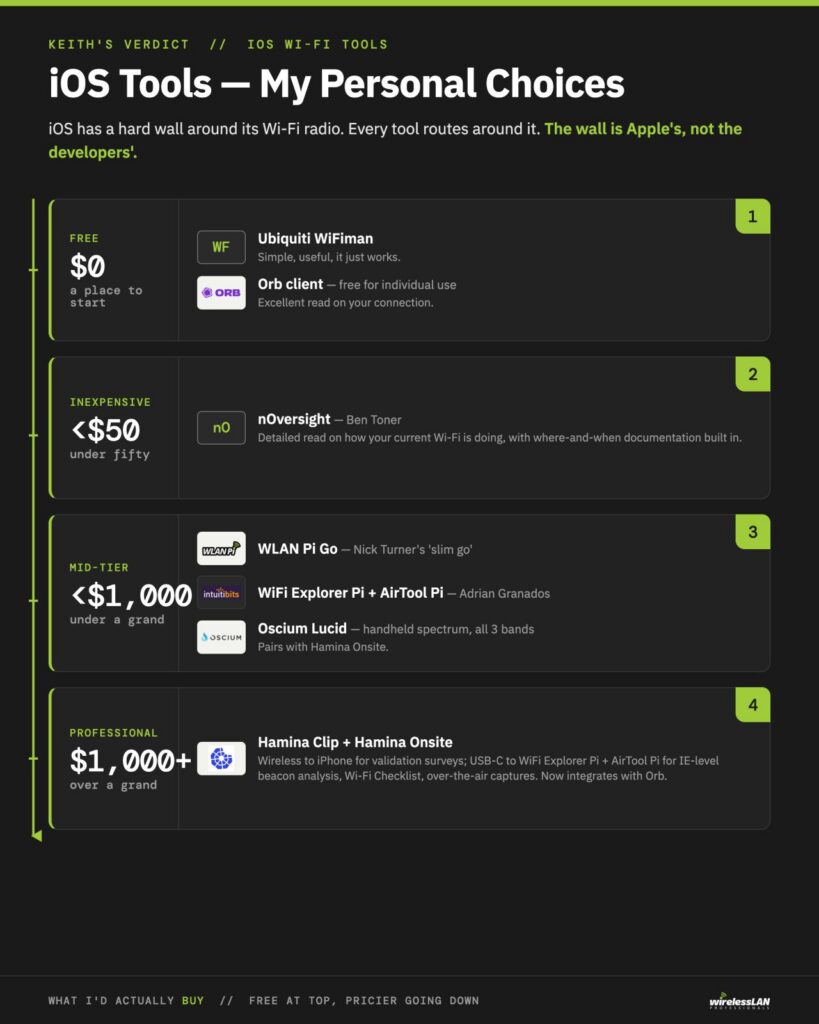
Last week I posted on 10 iOS Wi-Fi tools… but I didn’t tell you which I’d use and purchase for myself. (Actually I’ve bought them all already, but if I had to do it over again…)
One rule governs all of it. iOS has a hard wall around its Wi-Fi radio. No public API lets a third-party app scan neighboring networks or run a real capture. Every tool here is defined by how it routes around that wall. The wall is Apple’s, not the developers’.
Free Software Only – $0
I’d go with the Ubiquiti WiFiman app — it just works. Simple, easy to use. Useful information. A good place to start.
Of course I’d add an Orb client on your iPhone, free for individual use and gives you FANTASTIC information on your connection.
Inexpensive – <$50
nOversight from my friend Ben Toner is a fantastic tool with loads of detailed information, it is my ‘go to’ when on an iPhone to see how my current Wi-Fi is doing. It also allows me to easily document when and where I am to capture these details.
Mid-Tier – <$1,000
A WLAN Pi Go (I like Nick Turner’s ‘slim go’ version) — this coupled with Adrian Granados’ WiFi Explorer Pi and AirTool Pi give you lots of full-blown professional-level analysis, and the ability to do 802.11 frame captures. Couple it with an Oscium Lucid for handheld spectrum analysis against all three bands. This also works with Hamina’s Onsite app.
Professional Level – >$1,000
Add a Hamina Clip for wireless connection to your iPhone using Hamina Onsite for not only doing validation survey work, but it also works via USB-C cable to WiFi Explorer Pi and AirTool Pi for great analysis, down to individual 802.11 Beacon frame Information Elements, running a Wi-Fi Checklist, and capturing 802.11 frames over the air. A thumbs up to Hamina Onsite for now integrating directly with Orb services.
Your choice
What do you have loaded on your iPhone for doing Wi-Fi analysis, validation and troubleshooting? And why?